


Introduction
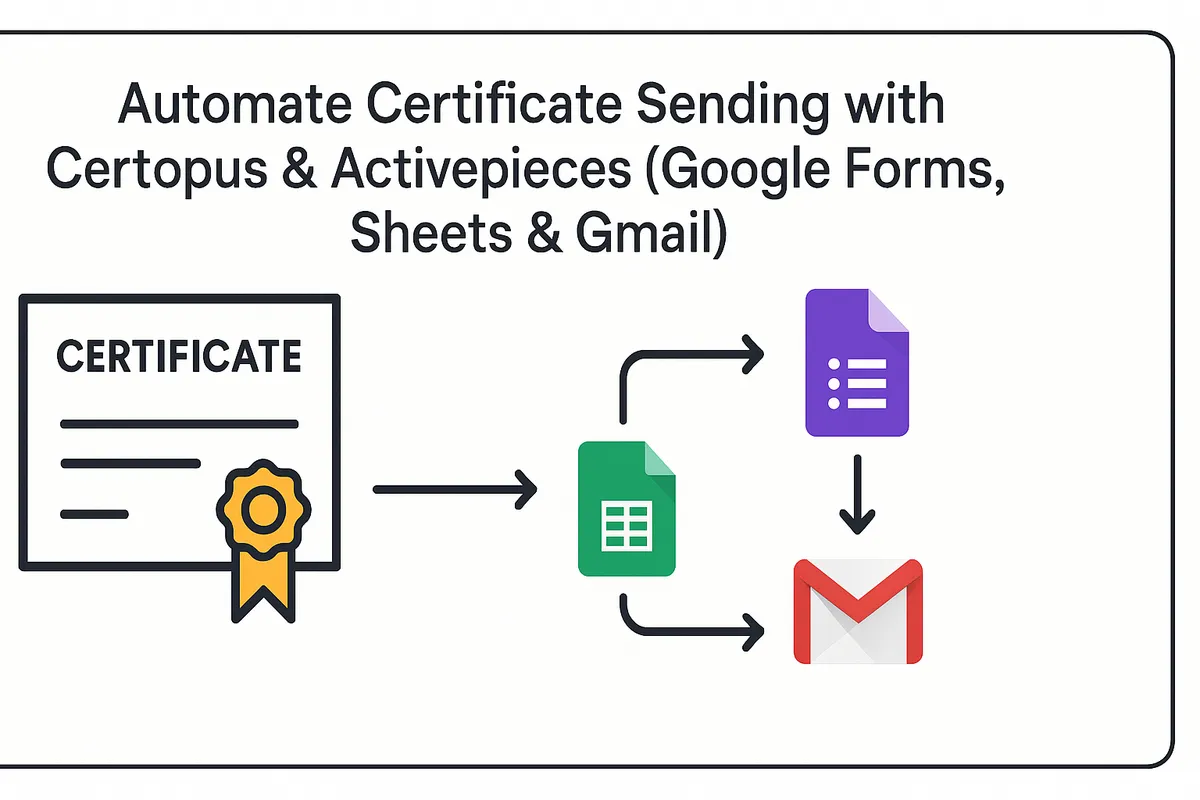
Sending certificates manually takes too much time and leaves room for mistakes. Educators and event organizers often spend hours designing certificates, attaching them to emails, and sending them one by one. Automation changes this completely. By combining Certopus (for secure certificate creation) and Activepieces (for no-code workflows), you can automatically issue and email certificates through Gmail as soon as participants complete a course or event. Let’s walk through how it works and why it matters.
What is Certopus and Why Use It for Certificates?
Certopus is a digital credentialing platform that lets you design, issue, and manage certificates and badges. You create a template once, then use bulk issuing to send secure, verifiable credentials to thousands of recipients. Each certificate includes tamper-proof verification, so it cannot be forged. Organizations ranging from schools to training providers use Certopus to deliver professional certificates online without the hassle of paper-based processes.
What is Activepieces and How Does It Help?
Activepieces is an open-source no-code automation tool. It connects apps like Certopus, Gmail, Google Sheets, and Google Forms into workflows called “flows.” Instead of coding, you drag and drop triggers (like a new form submission) and actions (like creating a certificate or sending an email). It’s a simple way to eliminate repetitive admin work.
Step-by-Step Guide to Automating Certificates
Step 1: Log in to Your Certopus Account
- Visit Certopus and log in to your account.
Step 2: Access the API Center
- Navigate to Profile Settings.
- Click on the API Center tab.
Step 3: Copy Your API Key
- In the API Center, copy your API Key.
- You will need it during the integration process.
Step 4: Create a New Flow
- In Activepieces, click on New Flow.
- You can either select a template or create a flow from scratch.
Step 5: Select a Trigger
- In the Select a Trigger section, choose a trigger that suits your use case (e.g., Google Forms submission, new row in Google Sheets).
Step 6: Add the Certopus App
- In the App section, search for Certopus using the search bar.
- Click on Create Credential.
Step 7: Enter Your Certopus Credentials Provide the following details:
- API Key
- Organization Name
- Category
Enable the Publish and Generate option.
Step 8: Publish Your Flow
- Once everything is configured, click the Publish button located at the top-right corner of the screen to complete the integration.
Benefits of Automating Certificates
1. Time Savings
Instead of emailing certificates one by one, automation handles everything instantly. Certopus allows bulk issuing, and Activepieces ensures delivery happens automatically.
2. Fewer Errors
No more typos, missed attachments, or wrong recipients. Data flows directly from your form or sheet into the certificate and email.
3. Scalability
Whether you’re certifying 20 students or 20,000, the same workflow handles it. Certopus and Activepieces scale with your program.
4. Professional Delivery
Participants receive consistent, branded emails with secure digital certificates that enhance your organization’s credibility.
Manual Sending Vs Automated Workflow
| Feature | Manual Sending | Automated Workflow |
|---|---|---|
| Time | Hours | Instant |
| Errors | High chance | Minimal |
| Scale | Limited | Thousands+ |
FAQs About Certopus & Activepieces Integration
Can Certopus integrate with Gmail directly?
Not directly. You need an automation tool like Activepieces or Zapier to connect them.
Is Activepieces free to use?
Yes, it offers a free plan. Paid tiers are available if you need advanced features or higher task limits.
How is this different from Zapier?
Both are no-code automation platforms, but Activepieces is open-source and often more affordable. It integrates smoothly with Certopus.
Can I bulk issue certificates with this setup?
Yes. Certopus supports bulk issuing, and Activepieces ensures each recipient automatically gets their certificate by email.
Conclusion
Automating certificate delivery with Certopus, Activepieces, and Gmail turns a tedious manual process into a one-time setup. Once your flow is active, every new student or participant automatically receives a secure digital certificate in their inbox. This saves hours of work, reduces errors, and ensures professional delivery every time.
If you run online courses, workshops, or events, this setup is worth trying. Both Certopus and Activepieces offer free plans, so you can test automation without cost. Once set up, you’ll never want to go back to manual certificate sending.
Get Started with Certopus
💡 Start automating your certificates today with Certopus & Activepieces. Book a demo