
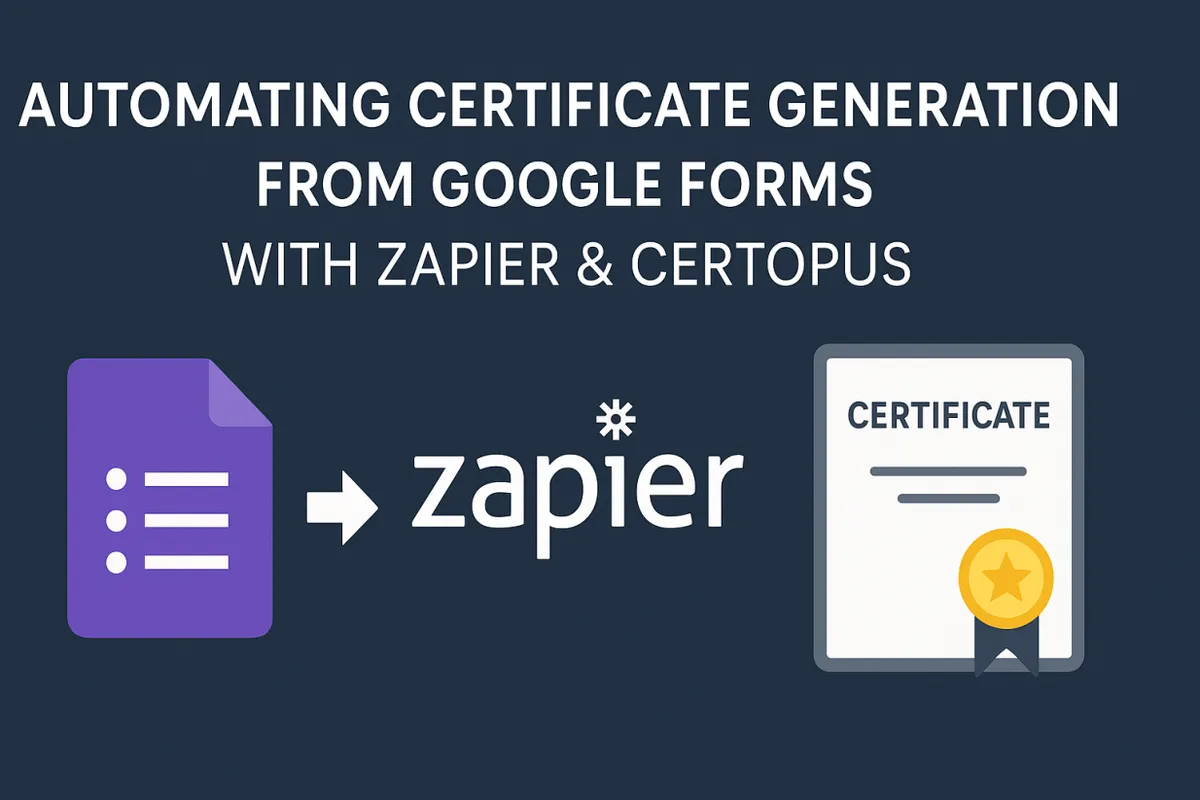

Google Forms is a free Google Workspace tool for creating online forms and surveys. It offers a drag-and-drop interface with multiple question types (text, rating, multiple choice, etc.) to quickly build surveys or registration forms. For example, Google Workspace notes that you can “easily create forms and surveys to gather data and gain insights from anywhere” using Google Forms.
When someone submits a Google Form, their responses are automatically recorded (for example, in a linked Google Sheet). The goal of this use case is to take each new Google Form response and instantly generate a certificate using Certopus by leveraging a Zapier integration between the tools.
Tools & Integration Overview
-
Google Forms (surveys & forms) – a free form builder in Google Workspace. Use it to collect names, course completions, or survey answers. (The form can be embedded on a website or sent as a link.)
-
Zapier (automation platform) – a no-code integration tool that connects 8,000+ apps. By creating a “Zap,” you can automate workflows. Zapier’s core plan is free (with basic features available forever). You can log in with Google or email (Zapier login) and start creating automated Zaps easily.
-
Certopus (certificate generator) – an online certificate management platform. In Certopus, you design a certificate template (e.g., add placeholders like
{{Name}}) and then generate the final PDFs. Certopus supports full automation and integrations via API/webhooks. In fact, 2700+ organizations use Certopus to streamline their certificate issuance.
These tools combine so that when a Google Form response is submitted, Zapier triggers a Certopus action to issue a certificate. Zapier even offers a pre-built integration template: “Create Certopus credentials from new Google Form responses”. In other words, the Zap is already configured to take new form entries and send them to Certopus.
Step-by-Step Integration (Trigger ➔ Action)
-
Log in to Your Certopus Account
Visit Certopus and log in to your account.
-
Access the API Center
Navigate to Profile Settings, then click on the API Center tab. -
Copy Your API Key
In the API Center, copy your API Key. You will need it during the integration process. -
Log in or Sign Up on Zapier
Go to Zapier and log in to your account. If you do not have an account, you can easily sign up for free. -
Explore Apps
Once logged in, click on “Explore Apps” from the Zapier dashboard.
-
Search for Certopus
In the search bar, type “Certopus” and select it from the list of available apps.
-
Connect Certopus to 7,000+ Apps
Zapier allows you to integrate Certopus with thousands of applications to streamline your processes. -
Select the Pairing App and Trigger
Use the search bar to find the application you want to integrate with Certopus (for example, Google Sheets) and select the appropriate trigger.
-
Set Up the Action Event
- In the Action Event section, once again select “Create Credential”.
- In the Account section, click the “Sign Up” button when prompted.

-
Paste the API Key
When asked, paste the API Key you copied from your Certopus account. -
Continue
Click “Continue” to move to the next step. -
Fill in the Required Fields
Complete all necessary fields, such as:- Organization Name
- Event Type
- Category
-
Test and Publish
- Click on “Test Step” to ensure everything is set up correctly.
- Once the test is successful, click “Publish”.
-
Set Up the Data Item
In the next step, search for “Data Item”, configure the required settings, and click “Publish”. -
Integration Completed
Your Certopus and Zapier integration is now successfully set up! You can now automate workflows and enjoy a seamless connection between your favorite applications.
Benefits of Zapier + Certopus Automation
- Speed & Accuracy: Certificates are issued instantly and accurately for each respondent. No copy-paste or manual PDF editing.
- Scalability: Whether it’s 10 respondents or 10,000, the Zap handles them all. You can also bulk-generate certificates in Certopus if needed.
- Easy Setup: No coding is required. Zap templates and drag-and-drop mappings make it accessible. Google Forms and Certopus have user-friendly interfaces.
- Cost-Effective: Google Forms is free, and Zapier’s core plan costs nothing for basic Zaps. Certopus offers pricing tiers, but even its free starter plan lets you try certificate generation. In fact, Certopus has been noted as one of the most affordable automated solutions on the market.
- Integration-Ready: Certopus is designed for integration. As a Certopus blog explains, it supports “full automation of credential workflows through APIs/webhooks and out-of-the-box integrations with LMSs, forms, and webinar tools”. This means it fits smoothly into a larger automated system of Google and third-party apps.
- Verifiable & Branded: Generated certificates are secure (cryptographically signed) and can be white-labeled. Recipients can verify them online, boosting credibility. (Certopus manages issuance and verification end-to-end.)